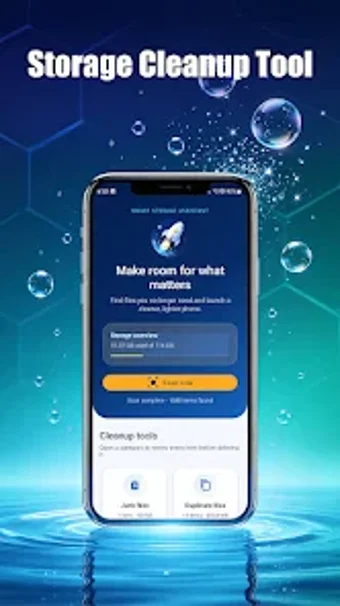
A focused Android utility for managing and reclaiming device storage
Experience focused storage maintenance with Storage Cleanup Tool by XENAS CLEANING COMPANY LLC, designed to reclaim Android device space and organize files. The app scans for junk system data, large files, duplicate photos and documents, obsolete APKs, downloads, and screenshots, and then presents found items for user review rather than automatic removal. Key modules include a junk scanner, large-file locator, duplicate finder, APK manager, and targeted downloads/screenshot cleanup. It suits Android users dealing with storage limits who prefer controlled, transparent cleanup.
How the tool presents scan results and preserves user control
Storage Cleanup Tool runs targeted scans and groups findings into clear categories so the user can decide what to remove. It emphasizes user choice by showing identified items for review before any deletion occurs. The presentation focuses on helping users spot space-heavy items and accumulated screenshots or downloads, enabling selective cleanup without sweeping, automated changes to the device.
Does the app impose continuous background load on the device?
Scans are initiated through the app interface, so it does not depend on persistent background cleanup processes. Because users review results before action, routine operation avoids automatic mass deletions that might run without oversight. The developer maintains the app as of August 2026, which suggests ongoing updates to scanning behavior; exact CPU and RAM usage are not specified and will vary by device and scan scope.
Is it safe to run on a production device?
The app reduces accidental removals by design, requesting user confirmation before deleting items. APK package management locates installer files for apps already on the device, so users should inspect those entries carefully before removing them. The tool limits itself to file-level cleanup rather than making low-level system changes, making it suitable for routine maintenance when the user verifies each deletion.
Who can operate the app and how was it received initially?
The interface is pitched at everyday Android users and does not demand deep technical knowledge to perform basic scans and deletions. In addition, more experienced users can run targeted searches for duplicates or large files for finer control. The developer is based in Painesville, Ohio, and early users gave the app a 5.0-star rating on the Play Store, indicating positive initial reception among testers.
A practical, focused choice for controlled storage maintenance with one clear limitation
Storage Cleanup Tool is a practical option for Android users who need transparent, file-centered space recovery and prefer to approve deletions manually. The main limitation is its narrow scope: it focuses strictly on storage organization rather than broader system maintenance. Practical tip: run targeted scans during idle hours and inspect APK installer candidates carefully before removing them to avoid losing useful installer files.